How to Post a Zombie Couple AI Video on TikTok and Reels
 SceneBloom
Download your zombie couple MP4, keep the memory ending, choose a cover and caption, balance the sound and label the AI video before sharing.
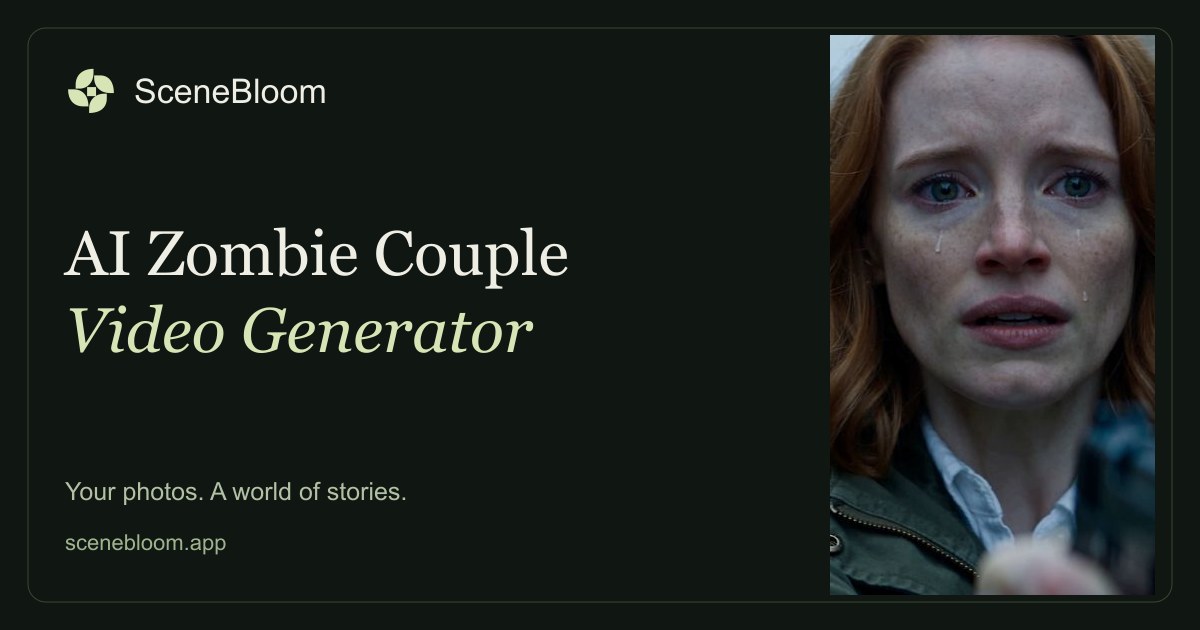
Start with the downloaded MP4 from My videos, rather than a recording of the preview player. Your Zombie Couple film is a 13-second, 720p, 9:16 vertical video with sound. You publish it yourself; the creator does not post to your social accounts.
If you have not made a film yet, follow the two-photo creation guide. The steps below start after your own video is ready.
1. Save and watch the complete file
Download the finished video while its download link is available, then play the local copy from beginning to end. Check both faces, the role assignments and the transition from the cold reunion to the sunny memory. Do not assume that a completed task means every visual detail is ready to share.
Keep that original download for each platform. Uploading the original to TikTok and Instagram separately avoids a second round of downloading a published copy and re-encoding it.
2. Upload to TikTok or Instagram Reels
In TikTok, start a new post and choose the saved video from your device. In Instagram, start a Reel and select the same MP4. The layout and names of controls can vary with app version, account and region; use the current app's preview before publishing.
Keep the portrait framing. Check that the faces are not hidden behind the caption or app controls. If you add text, place it where it does not cover either face or the embrace, and preview the result on the posting screen rather than relying only on the editor.
3. Keep the choice and the memory ending
The warm ending explains the emotional turn. Trimming the film down to the zombie reveal can make it look like a transformation effect rather than a two-person love story. The final scene is a memory before the outbreak, not a cure.
If you want an opening line, keep it short enough to read without pausing. For example: “Would you still recognize me?” You add this in the publishing app or an editor; the generated film does not include your custom caption.
4. Decide whether to keep or replace the sound
Listen to the film's existing soundtrack first. If it fits, you do not need to add music. If you choose a track through the social app, lower the original audio when necessary so two competing soundtracks do not play at once. Replay the opening and the memory transition after changing the levels.
Music availability depends on the platform, territory and account type. A track available for one personal post is not automatically cleared for a business post or an export to another service. Instagram explains these differences in its licensed music library guidance. Check the options available to your own account instead of downloading a commercial song from another video.
For TikTok's current sound controls, use its official sounds guide. No particular song or audio choice guarantees reach.
5. Choose a cover and write a caption
A frame from the cold opening signals the zombie theme. A frame from the warm ending signals the relationship. Choose the one that represents the version you want friends to notice, then check whether the app's cover crop keeps the important face visible.
Use a caption that gives the film context. Adapt one of these rather than presenting the fictional scene as a real event:
- “End of the world. Still you. Our AI-made Halloween short.”
- “Two portraits, one imaginary apocalypse.”
- “The ending is a memory. The people are us. Made with AI.”
For more approaches, read the Halloween couple video ideas. Use relevant descriptive tags if you want them; a specific hashtag count does not guarantee distribution.
6. Label the AI film and check the audience
TikTok asks creators to label realistic AI-generated images, audio and video. Use the AI-generated content setting available in the posting flow and describe the film clearly. See TikTok's official AI-generated content guidance. On Instagram, use the AI disclosure controls offered by your current app and make the caption clear too.
Before posting, confirm that both adults agree to this audience, not just to creating the video. Review who can see or share the post. The film includes zombie imagery and an unfired pistol, so choose an audience comfortable with that theme. An AI label does not override a platform's other content rules.
If the uploaded version looks or sounds wrong
- The ending is missing: check the trim range and restore the complete downloaded clip.
- The faces look cropped: return to the original portrait framing and preview the platform's crop.
- Two soundtracks compete: rebalance the original sound and the added music.
- The platform removes a sound: use its notice and available replacement options; do not repeatedly upload the same unavailable track.
- The film itself has an issue: check the local MP4 first to separate a generation issue from an upload issue.
Platform controls and music availability change. The official references above were checked on October 23, 2026; check the in-app options when you publish.
Create your zombie couple film