Zombie Love Story AI Prompt: Copy, Adapt and Fix
 SceneBloom
Copy a zombie love story AI prompt for two characters. Plan the reunion, tears and memory ending, keep photo roles separate, and troubleshoot common scene problems.
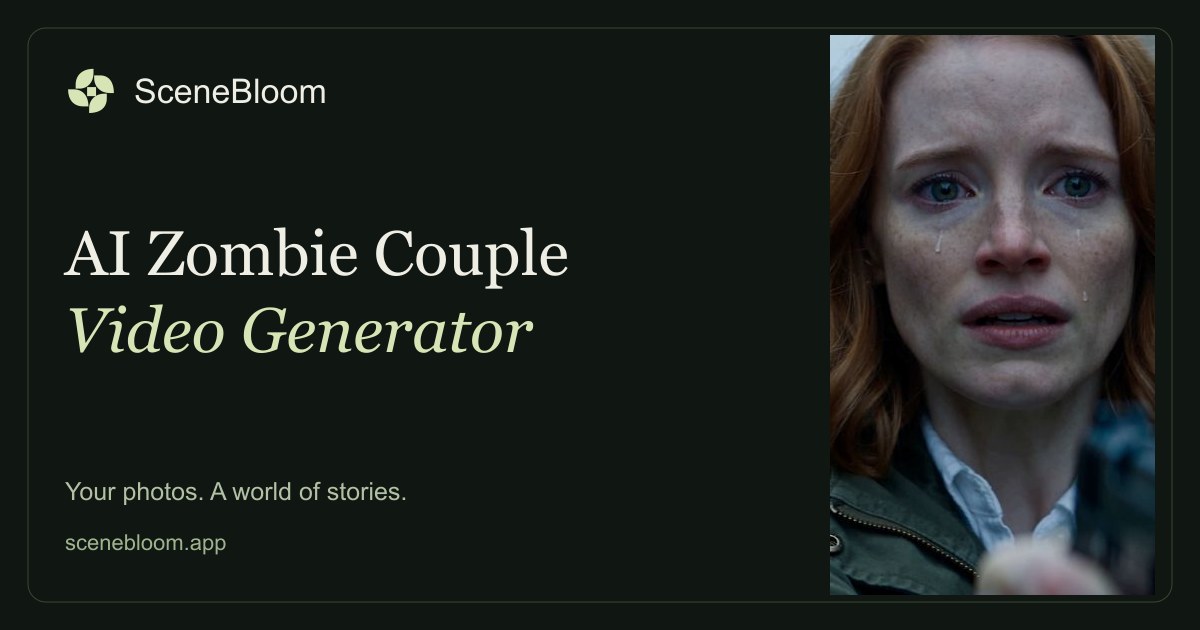
A zombie love story prompt needs more than zombie makeup: it needs a reason for the survivor to recognize the infected person and choose the embrace. This guide gives you a copyable scene prompt, a four-beat timing plan and fixes for swapped faces or a confusing ending.
Want the prepared story instead? The Zombie Couple AI video generator starts from two photos without a custom prompt field. For your references, use the portrait selection checklist.
Give each photo one role.
Use a video tool that accepts two character reference images. Label Photo A as the survivor and Photo B as the infected partner. Preserve each person’s face, hairstyle and identity throughout the scene. Both people are healthy in the memory.
Use the prompt below as a starting point, then adapt the timing, camera movement and detail to your video model. Exact timing and likeness depend on the tool you use.
The complete story prompt.
Keep the entire choice-to-memory sequence. Shortening the opening is preferable to cutting off the ending.
Check four things.
- Recognition: can you tell who each person is before the action starts?
- Emotion: does the tearful close-up explain why the survivor lowers the gun?
- Continuity: does the approaching movement connect naturally to the embrace?
- The ending: does the warm scene read as a memory of the same two people?
If a result loses the faces or skips the choice, simplify the movement before adding more effects. A short, readable sequence is more useful than an overloaded scene with unrelated shots.
You can start with the photos.
This Zombie Couple tool is built around this complete story. You choose the two portraits and their roles, then review the video pack and price. You do not need to write a prompt in the creator.
Review both portraits, the assigned roles and the one-time total before continuing.
Choose our two photosFollow the photo-to-video creation walkthrough ↗
Match the prompt to the four story beats
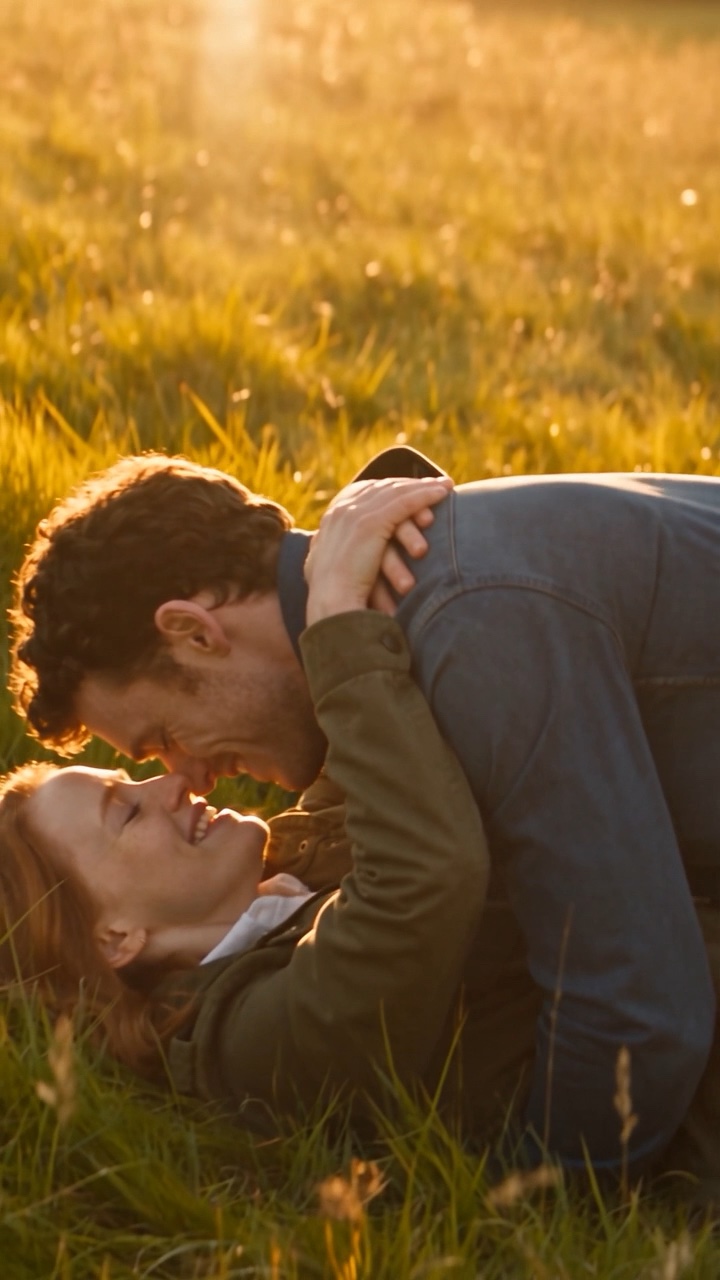
The warm memory is the emotional destination. This frame is from the fictional-character story preview.
- Approach (0–3 seconds): The infected partner is still recognizable; the survivor sees them coming.
- Recognition (3–6 seconds): Tears and hesitation show that this is someone the survivor loves.
- Choice (6–9 seconds): The weapon lowers before the embrace; no shot is fired.
- Memory (9–13 seconds): The same embrace continues in a warm scene before the outbreak.
These are creative directions for a roughly 13-second version, not frame-accurate timing guarantees. If your tool cannot hold both identities across the transition, simplify the action rather than adding more shots. A model that accepts only one reference image may not support this two-person setup.
A simpler motion variation
If the action becomes unstable, replace the running and falling instructions with:
The infected partner takes one slow step forward. The survivor lowers the pistol, and the two move gently into an embrace. Match-cut that embrace into the same pose in a sunlit meadow. Keep the camera steady and both faces visible.
Keep the role and identity instructions from the full prompt. This variation reduces moving parts; it is a suggestion to test, not a claim of a validated success rate.
Repair one problem at a time
- The faces swap: repeat the mapping of Photo A and Photo B and remove extra characters.
- The ending looks like a cure: state that the final scene is a memory before the outbreak, with both people healthy.
- The model skips the choice: make lowering the weapon an explicit shot before the embrace.
- Hands or bodies distort: reduce the speed, use a steady camera and simplify the embrace before adding movement.
The included preview was generated with fictional character descriptions using a Seedance 2.5 text-to-video workflow on October 20, 2026. It does not establish that this two-photo prompt has been validated for every reference-to-video model. Use a model that supports your reference inputs and review each result.
Create a zombie couple video from your photos